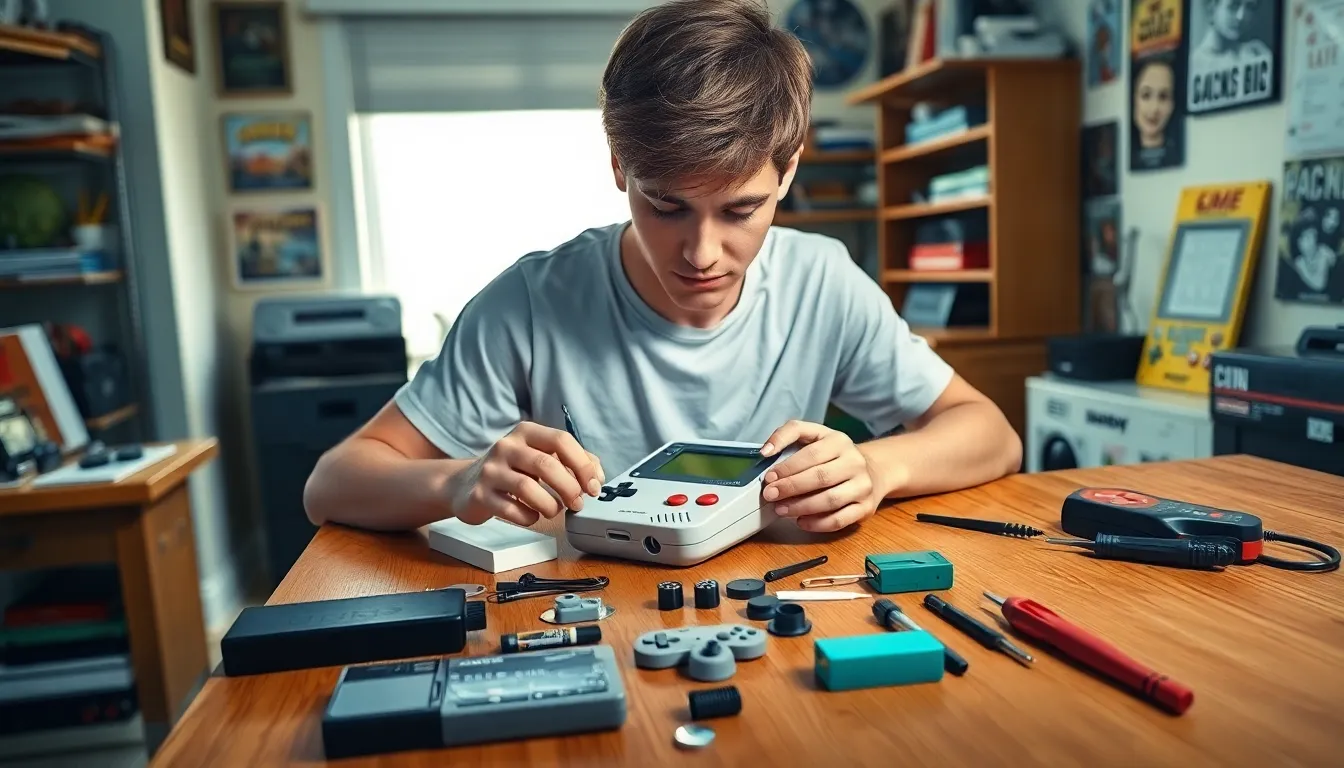

In a world where gaming nostalgia reigns supreme, the Game Boy stands tall as a legendary icon. But what happens when that cherished handheld device starts acting like a moody teenager? Fear not, because Game Boy repairs are here to save the day! Whether it’s a screen that’s dimmer than your last date or buttons that stick like gum on a hot sidewalk, there’s hope for your beloved console.
Table of Contents
ToggleOverview of Game Boy Repairs
Game Boy repairs focus on restoring functionality and enhancing user experience. Common repairs include screen replacements, button fixes, and battery swaps. Users often report dim displays and unresponsive controls, which can lead to frustration.
Screen replacements address visibility issues, ensuring graphics appear crisp and clear. Users typically prefer using original screens for authenticity, but aftermarket options exist.
Button repairs restore tactile feedback and functionality. Sticky buttons often arise from dirt buildup or wear. Cleaning solutions and replacement parts, easily sourced from online retailers, provide effective solutions.
Battery replacement ensures extended gameplay. Over time, batteries lose their capacity to hold a charge. Various options, including rechargeable and non-rechargeable units, cater to different user preferences.
Professionals often provide repair services, but enthusiasts can handle many tasks themselves. Many online tutorials guide users through simple repairs step-by-step. Certain tools, like tri-wing screwdrivers and soldering kits, facilitate the repair process.
Repair shops may also offer customized services. Some users opt for vibrant case modifications or enhanced screen upgrades. Customization enhances aesthetics while maintaining functionality.
Throughout the repair journey, maintaining the integrity of the Game Boy remains essential. Each repair contributes to preserving a piece of gaming history. Effective repairs prolong the life of these devices, allowing users to relive treasured gaming moments.
Common Issues with Game Boy Consoles
Game Boy consoles often face several common issues that can hinder gameplay. Understanding these problems aids in effective repairs.
Screen Problems
Dim screens are a frequent complaint among Game Boy users. Older models may struggle with visibility due to natural wear. Replacing the screen usually resolves this issue. Users often choose original screens for authenticity, while aftermarket options provide modern enhancements. Backlit screens improve visibility significantly. When screens develop cracks or yellowing, timely replacement restores full gaming enjoyment. Regular maintenance, such as keeping screens clean, helps prevent further deterioration.
Battery Malfunctions
Battery malfunctions create challenges for continuous gameplay. Over time, battery life diminishes significantly. Users typically notice shorter play sessions before needing a recharge. Swapping out old batteries for fresh ones can resolve this. Some enthusiasts opt for rechargeable batteries, which offer added convenience. In cases of leakage or corrosion, immediate replacement is crucial to prevent damage to the console. Maintaining a charged battery ensures ongoing gaming fun without interruptions.
Button Failures
Button failures disrupt the gaming experience considerably. Sticky buttons often result from dirt or grime accumulation. A thorough cleaning usually restores functionality quickly. If cleaning doesn’t help, replacing the buttons becomes necessary. Users can source replacement parts online. Sometimes, issues may arise from faulty connections inside the console. Fixing these requires careful disassembly. Addressing button malfunction promptly enhances gameplay and preserves the console’s lifespan.
Tools and Equipment Needed for Repairs
Many enthusiasts can effectively restore their Game Boy devices with the right tools and equipment. These tools range from basic hand tools to specialized items designed for electronics repair.
Essential Tools
Screwdrivers are crucial, particularly tri-wing and Phillips heads for accessing the device’s casing. A spudger helps in prying open the case without causing damage. Tweezers assist with handling small components and connectors, ensuring precision during repairs. Additionally, a heat gun can help with adhesive or screen installations, providing controlled warmth. A multimeter may also come in handy for checking battery voltage and troubleshooting electrical issues. When equipped with these essential tools, users can confidently embark on their repair journeys.
Replacement Parts
Replacement parts play a key role in the repair process, significantly impacting the outcome. Screens often need replacement, with options including original or aftermarket backlit screens. Users may choose buttons and rubber pads that fit their preferences for a responsive gaming experience. Battery options include standard or rechargeable types, allowing for varying play preferences. Furthermore, internal connectors may require replacement if buttons fail to respond even after cleaning. Accessing quality replacement parts ensures that the Game Boy operates as intended and maintains its nostalgic value.
Step-by-Step Repair Guide
This section provides a detailed guide for diagnosing and performing repairs on Game Boy consoles.
Diagnosing Problems
Identifying issues is the first step in the repair process. A dim screen often indicates a failing backlight or dirty connections. Sticky buttons might be due to dirt accumulation, leading to unresponsive controls. Users should start by examining the cartridge slot for debris, as this can affect game functionality. Listening for unusual sounds during operation can signal internal issues. Testing the battery is crucial; an old or malfunctioning battery can cause issues ranging from flickering screens to complete shutdowns. Using a multimeter helps in checking battery voltage and ensuring proper functionality. Addressing these signs promptly can simplify the repair process later.
Performing Repairs
Once problems are diagnosed, users can start the repair process. Opening the Game Boy requires specific tools like tri-wing and Phillips screwdrivers to safely remove screws. It’s important to handle internal components with care, utilizing spudgers to avoid damaging connectors. Replacing a screen involves detaching the old one and installing a new display, whether original or backlit. Button repairs may require cleaning pads with isopropyl alcohol or replacing damaged components. Ensuring all parts are correctly positioned before reassembling is vital. Applying heat can help with stubborn adhesive during screen replacements. Following a systematic approach allows users to effectively restore their Game Boys to working condition.
Tips for Successful Game Boy Repairs
Diagnosing the problem accurately sets the stage for effective repairs. First, assess the condition of the screen; a dim display often signals a need for a replacement. Confirming battery status proves essential, as low voltage may indicate a faulty battery. Clean the cartridge slot thoroughly, as dust and grime can prevent proper connectivity.
Use quality tools for every step. Tri-wing and Phillips screwdrivers allow access to the console’s inner components. Employ spudgers for gentle prying, avoiding damage to delicate parts. Tweezers prove useful when handling small screws and components, ensuring nothing goes missing.
Replacement parts greatly influence repair success. Original screens preserve authenticity, while aftermarket options, such as backlit displays, enhance visibility. Ensure buttons are responsive after cleaning or installing new parts; stickiness often stems from accumulated debris. Verify the connection integrity for circuitry; a loose wire can disrupt control functionality.
Follow a step-by-step approach to reassembly. Organize screws and components to streamline the process and prevent mix-ups. Pay attention to the orientation of parts, as incorrect placements can lead to additional issues. Test functionality after reassembly; verify screen clarity and button responsiveness immediately.
Incorporate online resources for additional guidance. Numerous tutorials provide visual aids for complex repairs. Communities of Game Boy enthusiasts also share tips and experiences that could be invaluable. Sharing knowledge not only aids individual repairs but strengthens the collective understanding of Game Boy maintenance.
Game Boy repairs not only breathe new life into cherished devices but also allow gamers to reconnect with their favorite memories. By addressing common issues like dim screens and faulty buttons, users can enhance their gaming experience significantly. Whether opting for professional help or tackling repairs themselves, the right tools and quality parts make all the difference.
Embracing the DIY spirit can empower enthusiasts to take control of their gaming gear. Online resources and community support are invaluable assets in this journey. Proper maintenance and timely repairs ensure that these iconic handhelds remain a source of joy for years to come, preserving the magic of gaming for future generations.